
Your AI workflow. On one graph. Press Run.
DAISE.RUN puts text, image, video, voice and music models on one graph and makes them easy to drive. Describe things once, connect the nodes, and every model gets the context it needs. Built for films and commercials, and just as good for product visuals, pitch decks and anything else you make with AI.
Stop exporting. Start wiring.
Today the brief, the script, the boards, the frames, the clips and the voice-over are six files in six apps, and every handoff is an export. In DAISE.RUN each step is a node, and the wire is the handoff.
One workflow, start to finish. In one minute.
One example: a commercial goes from script to storyboard, AI images, AI video and sound, and leaves the render node finished. One project, start to end.
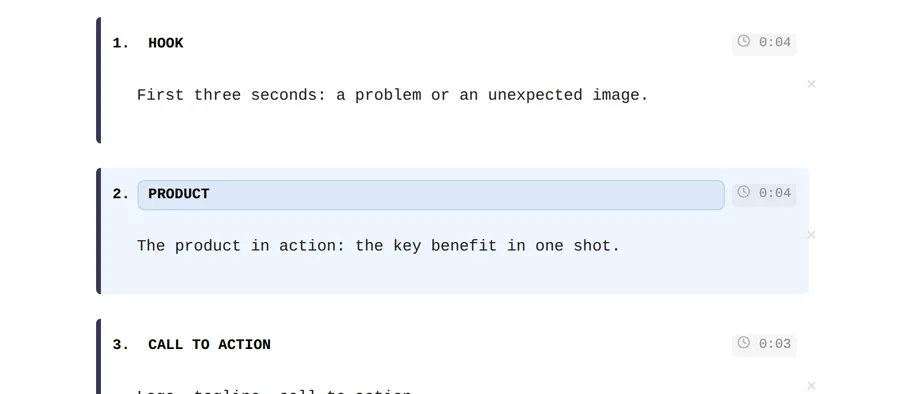
Script
Write on a real A4 page with Smart Flow. Import Final Draft, Fountain or DOCX.
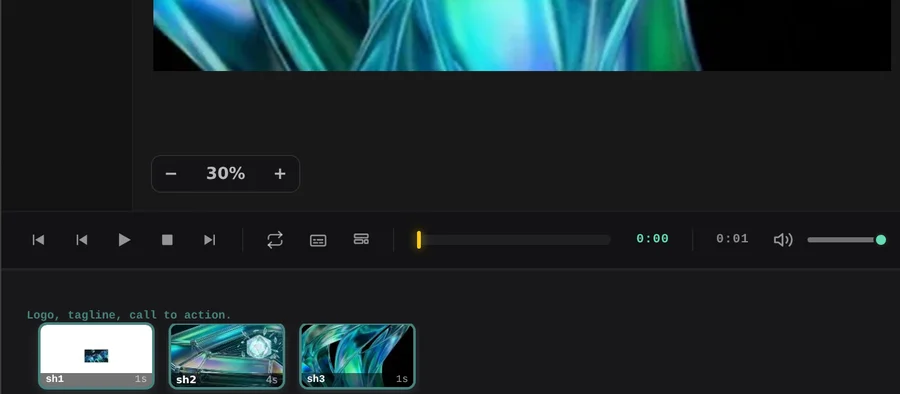
Storyboard
You draw the shots yourself: framing, angle, timing. Every AI frame and clip follows your direction, each shot tied to its line.
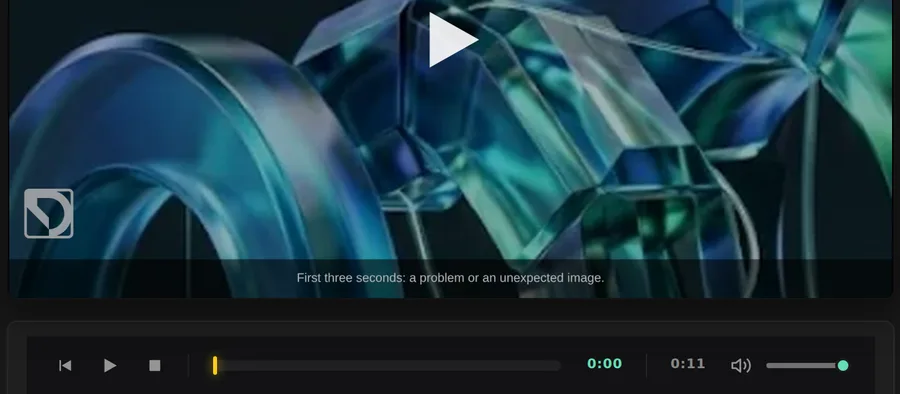
Timeline
Cut clips on video, voice and music lanes. Trim, split, crossfade, solo and mute.
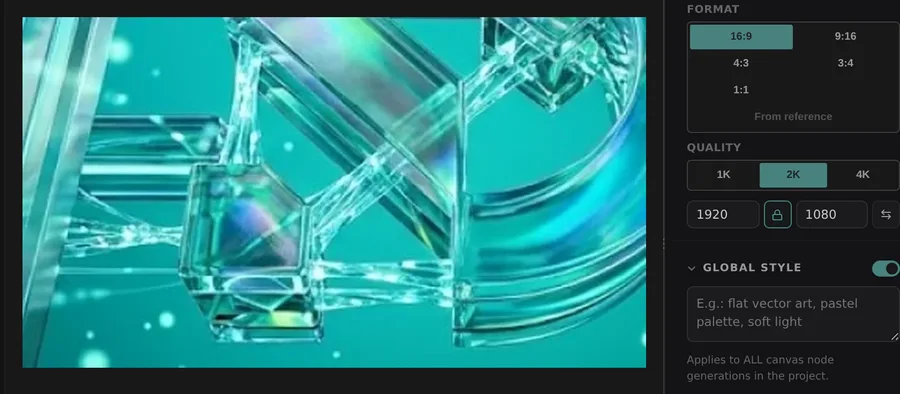
Styleframes
AI images on layers. One brief, several looks, with the model and 1K / 2K / 4K set per node.
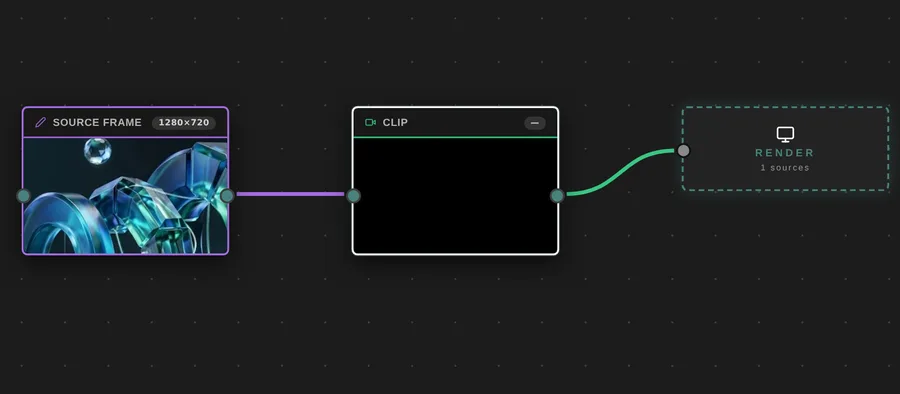
AI video
Image to video, first and last keyframes, video references with roles.
Sound
Record, upload, text to speech or music from a description. One node, one track.
Describe it once. Never prompt it again.
Write a character, a location or a product into the project bible one time. From then on it is wired into every request by itself: every frame and clip that mentions it stays on-model, with nothing to retype.
The bible reads your script: characters from dialogue, locations from scene headings, props from action lines.
- Found by name. Entries named in the scene or prompt join the request, or pin them by hand.
- The right look. Day or night variant is picked from the scene heading.
- Text and photos. The canon and the reference images go with every generation.
The graph writes the prompt.
Wire a scene, the brief and the bible into a canvas or video node and press Run. DAISE.RUN builds the request from everything that is connected. Type a prompt only when you want to steer.
Every model. One way to drive it.
Image, video, voice and music models come from a live catalog and work the same way on every node: the same context, the same picker, one token balance. Set a default per project and switch on any node. When a better model ships, it shows up in the list.
Model names are examples from the catalog at the time of writing. Availability changes with the provider.
Graph when you need it. A prompt when you don't.
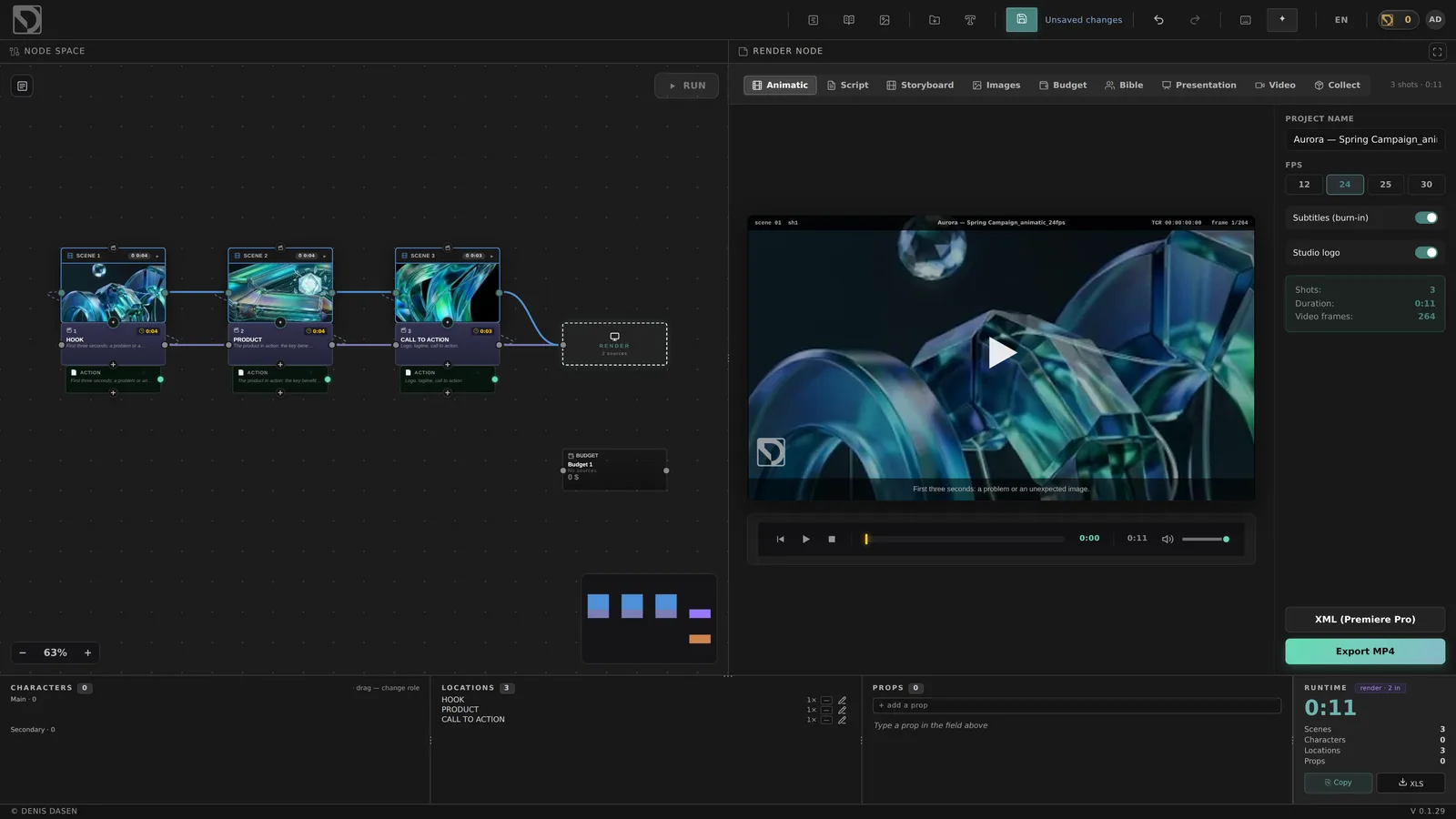
PRO
The full graph: scenes, boards, canvases, video, audio, budget and render, wired the way your project works.
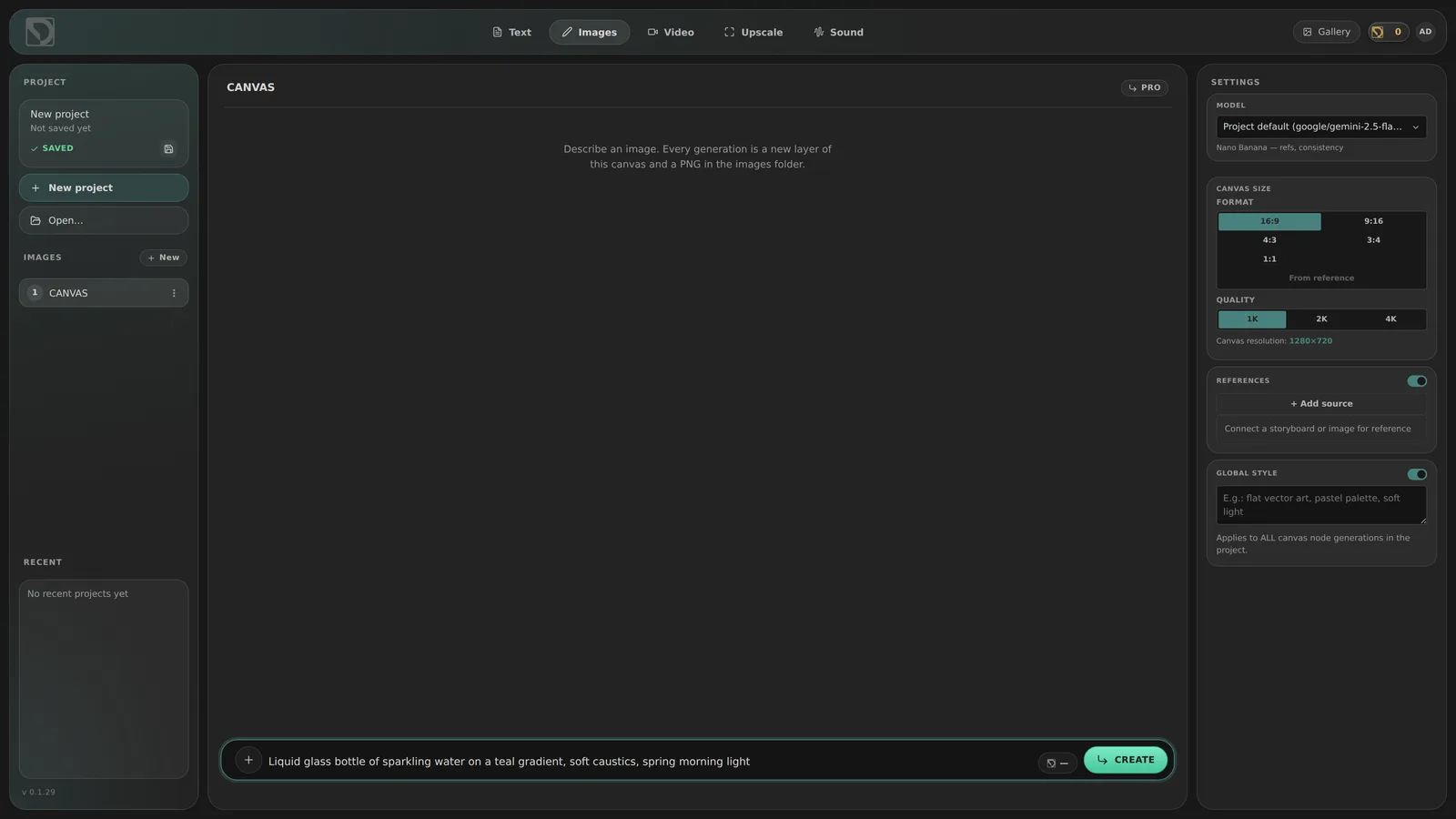
Easy
Text, Images, Video, Upscale, Sound. A simple prompt screen, and everything you make is a real node in the same project.
One node. Every deliverable.
Whatever is wired into the render node leaves DAISE.RUN in the format the next person needs. The edit continues in Premiere Pro with frames, subtitles and audio in place.
Start from a ready graph.
Ready-made templates for films, commercials, characters, products and AI video. Each one is a normal project you can rewire.
Pay as you go. No subscription.
Top up when you need to. Every node shows its price before you press Run.
Top up, then run
Bigger packs add up to 10% more tokens.
Space for your projects
100 MB before your first top-up. Need more? Just ask.
Away too long?
Unused tokens expire and storage drops to 100 MB. Signing in once resets the clock.
Nothing is deleted
Without tokens, everything except AI keeps working. Over the storage limit, projects open read-only.
Full details in the Terms.
One pool for the whole team.
A team leader invites people and gives each of them tokens and disk space from one shared pool. Every generation is logged with the node that made it and what it cost.
- Tokens from one wallet. The leader's balance is the pool. Hand tokens to each person, add more when they run low, take back what they haven't used.
- Disk space per person. Set a storage quota in GB for everyone on the team. Lower it later and nothing is deleted: they can still open their files.
- Invites in one message. Send an invite link with a limit and an expiry date, or create the account yourself with a temporary password.
- Tokens, not prices. Team members see their tokens and gigabytes. Prices and billing stay with the leader.
Build your own AI pipeline.
An end-to-end AI sandbox, from first idea to final file.
Join the waitlist Early access soon · runs in Chrome or Edge